

Blog
Document Data Extraction: Technologies, Tools, and Best Practices
Stop manual data entry. Compare OCR, ML, and AI agents to find the right document extraction tech to automate workflows and eliminate costly errors.

Blog
Stop manual data entry. Compare OCR, ML, and AI agents to find the right document extraction tech to automate workflows and eliminate costly errors.
Your accounts payable team processes 5,000 invoices monthly. Each invoice needs vendor names, amounts, dates, and line items extracted and entered into your ERP system. At 3-4 minutes per invoice, that's 250-330 hours of manual work each month. The team makes mistakes. Payments get delayed. Vendors complain. You know there's a better way, but the options are overwhelming.
Document data extraction isn't one technology anymore. It's an entire ecosystem of approaches ranging from basic OCR to sophisticated AI agents that can reason about context and handle exceptions. The right choice depends on your document types, volume, accuracy requirements, and how much complexity you can tolerate. Get it wrong, and you'll spend months fixing data quality issues or wrestling with brittle templates that break every time a vendor changes their invoice format.
This guide cuts through the confusion. We'll look at how extraction technologies actually work, what tools are available, and the practices that separate successful implementations from expensive failures.
Manual data extraction feels manageable at small volumes. Someone opens a PDF, reads the information, types it into a system. Simple. The problems show up gradually.
First comes the error rate. Studies show manual data entry accuracy ranges from 96-99% depending on document complexity and operator fatigue. That sounds good until you realize a 2% error rate means 100 mistakes in those 5,000 monthly invoices. Each mistake triggers review cycles, payment delays, and vendor relationship friction. The compliance team worries about audit trails. Finance can't close books on time.
Then there's the speed problem. As document volume grows, the team grows proportionally. You can't compress the timeline much because humans need time to read, understand, and type. Peak periods like month-end create backlogs. Hiring and training new staff takes weeks. The work doesn't get more interesting, so turnover stays high.
But the real issue isn't efficiency - it's that manual extraction creates an information bottleneck. The data trapped in documents can't flow into downstream systems fast enough for real-time decisions. Orders sit in queues waiting to be processed. Customer support can't access policy details instantly. The business moves slower because information moves slowly.
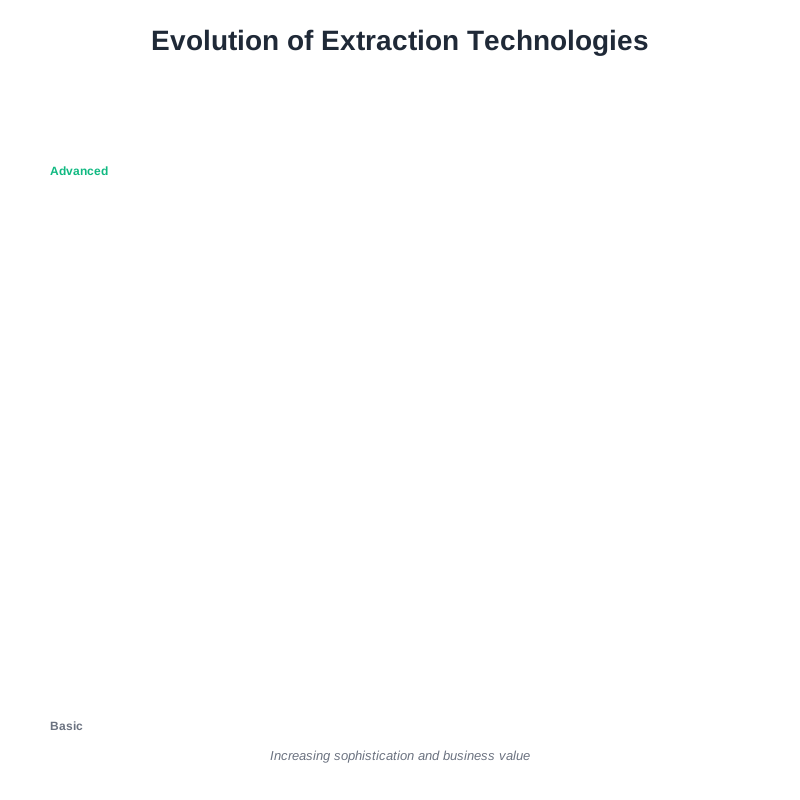
Modern document data extraction uses several distinct technologies. They're not interchangeable. Each has strengths, limitations, and ideal use cases.
Optical Character Recognition (OCR) converts images into machine-readable text. Point it at a scanned invoice, and it returns text strings. Early OCR struggled with fonts, scan quality, and layouts. Modern OCR from providers like Tesseract, Google Cloud Vision, and Amazon Textract handles complex documents better, but OCR alone doesn't extract structured data. It just turns pixels into characters. You still need something else to find the invoice number or total amount in that text.
Template-based extraction pairs OCR with rules and coordinates. You tell the system "the invoice number is always in this position" or "look for 'Total:' and grab the number after it." This works well for standardized documents from consistent sources like government forms or specific vendor invoices. The problem? Templates break when formats change. A vendor redesigns their invoice, and your extraction fails. Maintaining templates across hundreds of document variations becomes its own full-time job.
Machine learning extraction trains models to recognize patterns in documents without rigid templates. Show the model 500 invoices with the invoice numbers labeled, and it learns to find invoice numbers in new documents even when formats vary. This approach handles variation much better than templates. Tools like Rossum and Docsumo use ML for extraction. The catch is training data. You need hundreds or thousands of labeled examples per document type, and model accuracy depends heavily on training quality.
Large language model (LLM) extraction uses models like GPT-4 or Claude to understand document content and extract requested information through natural language prompts. Tell it "extract the vendor name, invoice date, and line items from this document" and it can figure it out from context. LLMs handle unstructured content and format variations well. They're slow and expensive per document though, making them impractical for high-volume extraction. They can also hallucinate data that isn't actually present.
AI agents for intelligent document processing combine multiple technologies into autonomous workflows. Instead of just extracting data, agents can validate it against business rules, route documents based on content, trigger approvals, and handle exceptions. If a purchase order doesn't match an invoice, the agent can flag it for review or pull additional context from other systems to resolve the discrepancy. This is where the industry is heading, because extraction by itself solves only part of the document processing challenge.
Understanding what happens under the hood helps you evaluate tools and troubleshoot problems. Let's walk through how modern extraction processes a document.
Step 1: Document preprocessing Before extraction begins, the system prepares the document. Scanned PDFs get deskewed if they're tilted. Image quality gets enhanced. Color documents might be converted to grayscale. Some systems detect document orientation and rotate automatically. This step matters because extraction accuracy depends on clean input.
Step 2: Layout analysis The system analyzes document structure to understand where information lives. It identifies headers, tables, columns, and text blocks. Good layout analysis distinguishes between body text and sidebar notes or finds all the line items in an invoice table regardless of how many rows it contains. Poor layout analysis is why some tools can't handle multi-column documents or complex tables.
Step 3: Text recognition OCR converts visual text into digital characters. Modern engines use neural networks trained on millions of document images. They handle multiple languages, different fonts, handwriting (sometimes), and degraded scans. Confidence scores tell you how certain the system is about each character or word.
Step 4: Field extraction This is where different technologies diverge. Template systems look in predefined locations. ML models predict field locations based on learned patterns. LLMs analyze the entire document context. The goal is the same: turn unstructured text into structured data with field labels.
Step 5: Validation and confidence scoring Extracted data gets validated against expected patterns. Is the date in a valid format? Does the total amount match the sum of line items? Is the tax calculation correct? Confidence scores help route documents - high confidence goes straight through, low confidence triggers human review. This is where AI agents add value by applying business logic beyond simple extraction.
Step 6: Output and integration Structured data gets formatted for your target system. That might be JSON for an API, CSV for a spreadsheet, or direct database insertion. Integration quality determines whether extraction creates new manual work or truly automates the workflow.
Theory meets reality when you start processing actual business documents. Here's what trips up implementations and how to handle it.
Challenge: Multi-format document chaos You don't process one document type. You get invoices from 200 vendors in 50 different formats. Some are PDF, some are images, some are scanned at terrible resolution. Template systems collapse under this variation. ML systems need extensive training data.
Solution: Start with your highest-volume, most standardized documents and expand from there. Use ML or agent-based systems that adapt to format variation without template maintenance. Accept that you'll need human review for edge cases initially. Monitor which document types cause problems and prioritize improving extraction for those.
Challenge: Tables and line items Extracting single fields like invoice numbers is relatively easy. Extracting complex tables with variable numbers of rows and columns is hard. Traditional OCR often mangles table structure, merging columns or breaking rows incorrectly.
Solution: Choose tools with strong table extraction capabilities. Test them on your actual documents before committing. For critical use cases, look for systems that preserve table structure semantically, not just visually. Line item accuracy matters more than header accuracy for most business processes.
Challenge: Handwritten content Signatures, handwritten notes, and filled-in forms appear everywhere despite digital transformation efforts. Standard OCR works poorly on handwriting. Intelligent Character Recognition (ICR) helps, but accuracy varies dramatically based on handwriting quality.
Solution: Don't expect perfect handwriting extraction. Design workflows that route handwritten content for human review. For forms with handwritten fields, consider using checkboxes and structured formats that minimize free-form writing. Some newer LLM-based systems handle handwriting better than traditional ICR, but they're still not reliable enough for fully automated processing.
Challenge: The accuracy-speed-cost triangle You can have high accuracy, fast processing, or low cost. Pick two. Manual data entry is accurate but slow and expensive. Basic OCR is fast and cheap but inaccurate. LLMs are accurate but slow and expensive.
Solution: Use different technologies for different document types based on business impact. High-value transactions might justify LLM processing. High-volume standardized documents work fine with ML extraction. Build in quality checkpoints that catch errors before they propagate downstream. Calculate the actual cost of errors, not just processing costs.
Dozens of tools promise to solve document extraction. They're not all solving the same problem. Here's how to evaluate them.
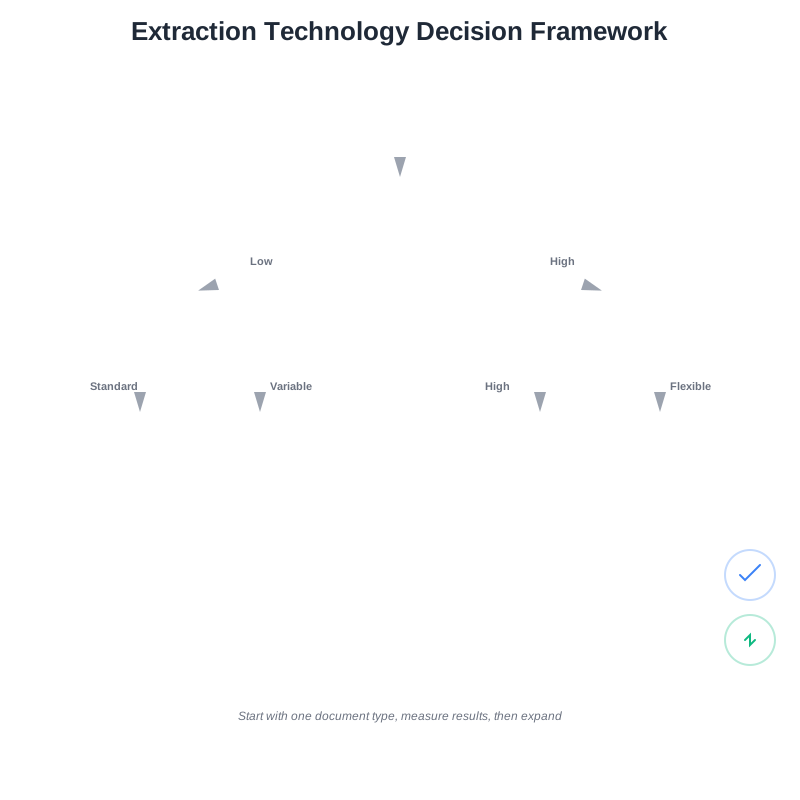
Consider document characteristics first Structured forms with consistent layouts need different tools than unstructured contracts. High-volume standardized processing needs different architecture than occasional ad-hoc extraction. Match tool capabilities to document reality, not aspirations.
Start by categorizing your documents: Are they structured, semi-structured, or unstructured? How much format variation exists? What's the volume per document type? How critical is accuracy? These questions drive tool selection more than feature lists.
Evaluate the extraction approach Template-based tools work great until they don't. Ask about template maintenance requirements. How long does it take to adapt to format changes? Who does the work?
ML-based tools need training data. Ask how much data they need, who labels it, and how long initial setup takes. Look for tools with strong pre-trained models that reduce your training burden.
LLM-based tools offer flexibility but have cost and latency implications. Understand the pricing model. Are you paying per page, per field, per API call? At what volume does cost become prohibitive?
AI agent platforms promise end-to-end automation. Ask what that means. Can they handle exceptions? How do they integrate with existing systems? What happens when something goes wrong?
Test with your actual documents Every vendor shows perfect demos with clean test data. Request a trial with your real documents in all their messy glory. Include edge cases: poor scans, format variations, unusual layouts. Measure accuracy on your documents, not theirs.
Track these metrics during trials:
Don't just test accuracy. Test the entire workflow from document receipt through data delivery to your target system. Integration problems kill more implementations than extraction accuracy.
Think beyond extraction Document data extraction is rarely the full solution. What happens after extraction? How does data get validated? How do you handle exceptions and errors? How does extracted data integrate with downstream systems?
Tools that only extract data leave you building everything else yourself. Platforms that handle the full document workflow save significant development time. Think about the complete business process, not just the extraction step.
Starting with extraction technology is backwards. Start with business process.
Map the current workflow end-to-end Document where documents come from, who handles them, what decisions get made, where data goes, and what exceptions occur. Identify bottlenecks and error sources. You might discover extraction is only part of the problem, or that process redesign matters more than extraction technology.
Start narrow and expand Don't try to automate all document types simultaneously. Pick one high-volume, high-value document type with relatively standard formats. Get that working well. Learn what accuracy and exception handling actually require. Then expand to the next document type.
Early wins build organizational confidence. Trying to boil the ocean leads to delayed implementations and disappointed stakeholders.
Design for exceptions from day one No extraction system is 100% accurate. Build human review workflows for low-confidence extractions before going live. Define clear routing rules: what confidence level triggers review? Who reviews? How quickly?
Exception handling quality separates successful implementations from failures. Automate the 80% that's straightforward and build excellent tools for humans to handle the 20% that's complex.
Measure business outcomes, not just accuracy Extraction accuracy is a technical metric. What you actually care about is business impact. Reduced processing time. Fewer payment errors. Faster customer response. Lower operational costs.
Define success metrics before implementation. Track them continuously. If extraction accuracy improves but business outcomes don't, something else is wrong. Maybe integration is the bottleneck. Maybe downstream systems can't consume the increased data flow. Fix the real constraint.
Plan for format changes and drift Document formats change. Vendors redesign invoices. Forms get updated. Your extraction system needs to adapt without breaking.
Monitor extraction confidence scores over time. Sudden drops indicate format changes. Build alerts that flag this early. Have a process for updating models or templates quickly. Some AI agent platforms handle this adaptively, learning from corrections without requiring full retraining.
Secure sensitive data appropriately Document extraction often involves personally identifiable information, financial data, or confidential business information. Understand where data goes during processing. Does it stay in your infrastructure or go to cloud services? How is it encrypted? What happens to processed documents?
Compliance requirements vary by industry and region. Healthcare has HIPAA. Finance has SOX. European operations need GDPR consideration. Evaluate extraction tools against your specific compliance needs early, not after implementation.
We're moving from extraction tools to intelligent document processing platforms. The difference? Tools extract data. Platforms process documents.
A platform that can extract an invoice total is useful. A platform that can extract the total, validate it against the purchase order, check vendor payment terms, route to the correct approver based on department and amount, and automatically process payment if everything matches - that transforms business operations.
This is where AI agents become valuable. They don't just read documents. They understand context, make decisions based on business rules, and take action. An agent can notice that a vendor's bank account number changed and flag it for fraud review. It can cross-reference multiple documents to resolve discrepancies. It can learn from exceptions that humans handle and gradually expand its autonomous capabilities.
The technology isn't perfect yet. Agents make mistakes. Edge cases still need human judgment. But the trajectory is clear. Document processing is becoming less about extracting data and more about automating entire workflows with extraction as one component.
If you're still doing manual data entry, start with a clear understanding of your current costs. Calculate hours spent on document processing, error rates, and downstream impacts of delays. That's your baseline for measuring improvement.
Identify your highest-impact document type. Pick something with volume, business value, and relative format consistency. Test tools against your actual documents with clear success metrics. Don't get distracted by feature lists. Focus on whether it solves your specific problem.
Expect the first implementation to take longer than vendors suggest. Budget time for integration, exception handling design, and user training. Plan to iterate based on real usage, not theoretical requirements.
Document processing automation doesn't happen overnight. But the difference between manually processing 5,000 invoices and letting an intelligent system handle them while your team focuses on exceptions and strategic work? That's transformative. The technology is ready. The question is whether your implementation approach sets you up for success or frustration.
The teams that succeed treat extraction technology as one component of an automated workflow, design carefully for exceptions and edge cases, and start small while thinking big. They measure business outcomes, not just technical metrics. They understand that even imperfect automation that handles 80% of documents is better than perfect manual processing that handles 100% at ten times the cost.
That's the path forward. Not perfect extraction, but smart automation that makes your team more effective and your business more responsive.

Head IT Operations - Co Founder of Artificio
See it in your SAP environment
Bring us a document, a process, or a bottleneck. We'll show how Artificio captures, validates, and posts into SAP — then scale from there.
Security & compliance
ISO 27001:2013 certified, SOC 2 Type 2 compliant, GDPR and HIPAA ready. Every agent action is logged, auditable, and runs in isolated environments.