

Blog
The Hidden Complexity Behind Every Business Form (And How AI Solves It)
Stop weeks of manual form building. AI form generation handles conditional logic, validation, and workflows instantly from a simple description.

Blog
Stop weeks of manual form building. AI form generation handles conditional logic, validation, and workflows instantly from a simple description.
The request seemed simple enough. Your compliance team needs a vendor onboarding form. Collect company info, tax details, insurance certificates, bank information for payments. Should take a day or two, right?
Then the requirements start rolling in. You need conditional sections based on vendor type. Different fields for domestic versus international vendors. File uploads with size and format validation. Conditional approval routing based on contract value. Integration with your vendor management system.
What started as "just a form" becomes a project. Three weeks later, it's still not live. Procurement is following up daily. Vendors are emailing PDFs that someone has to manually enter into systems.
Here's the thing most people don't realize: forms are process logic disguised as UI. The complexity isn't in the fields themselves. It's in the rules connecting them. And those rules multiply fast.
Before we talk solutions, let's be honest about why this problem exists. This isn't about defending slow delivery. It's about understanding why sophisticated forms eat up so much time.
Conditional logic cascades. Show field B only if field A equals X. But field C depends on both A and B. And section 2 only appears if field C is filled. These dependencies multiply quickly. One change to field A can break three other fields downstream. Testing every path through the form becomes its own project.
Validation interdependencies. End date must be after start date. Budget field required only if project type is "Capital." Phone format depends on country selection. Each rule seems simple on its own. Managing dozens of them across a form is not.
Multi-step flow design. Which fields go on which page? What happens if someone navigates backward? How do you preserve partial progress? Step design directly affects completion rates, but getting it right requires careful planning and testing.
Edge case handling. What if someone selects "Other"? What if a required field becomes irrelevant based on earlier answers? What if the form needs to work on mobile where that five-column layout falls apart?
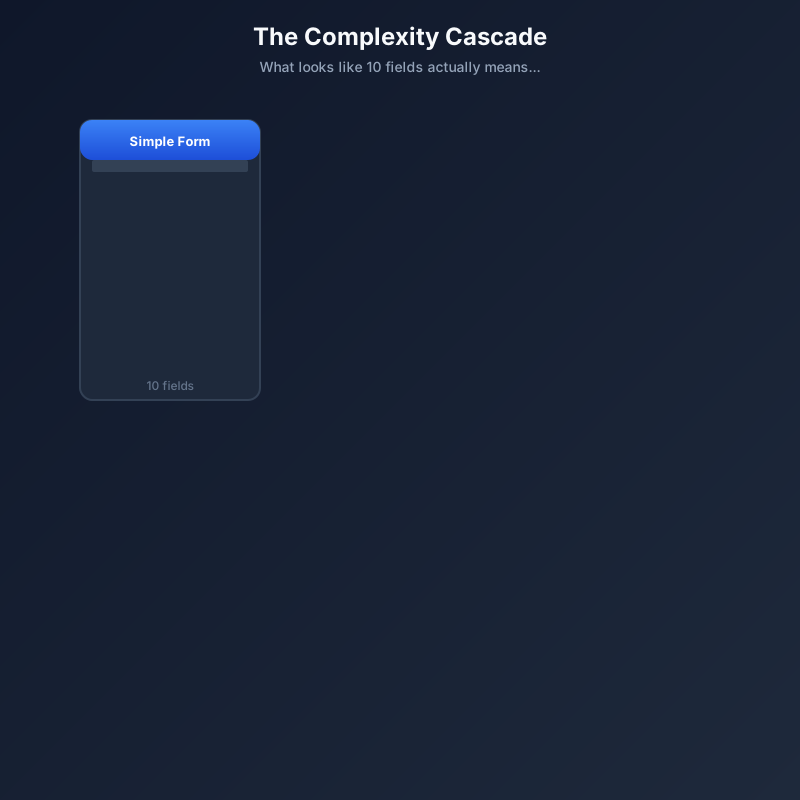
The point isn't that form builders are incompetent. It's that complex forms involve genuine design decisions that take time to think through, implement, and test.
Organizations typically have a few approaches to choose from. Each has legitimate uses, but each breaks down when requirements get complex.
Simple form builders like Google Forms or Microsoft Forms are great for surveys and basic data collection. They fall apart when you need conditional logic beyond one level, custom validation, or integration with business systems. You hit the ceiling fast, and there's no way to push through it.
Mid-tier form platforms like Typeform, JotForm, or Wufoo offer more capability. You get templates and some conditional logic. But complex forms require workarounds, custom code snippets, or just accepting limitations. Template libraries get you 70% there. The last 30% takes 70% of the time.
Custom development can handle any requirement. But it introduces delays, competing priorities, and ongoing maintenance burden. A form that takes a developer two days to build might wait two weeks in the backlog. Changes require another development cycle. Your "simple form" is now competing with product features for engineering time.
Low-code platforms are promising but often require significant learning investment. By the time you've mastered the platform, you could have built the form another way. And you've become the designated form person for your entire department.
The gap is clear: no good option exists for "complex form needed this week by someone who isn't a developer."
AI-powered form generation works differently than traditional builders. Instead of manually configuring each field, condition, and validation rule, you describe what you need in plain language. The AI interprets your requirements and generates a complete, functional form structure.
Let's walk through a concrete example.
Your input: "I need a vendor onboarding form. Collect company name, address, tax ID, and primary contact. If the vendor is international, ask for country and require W-8BEN upload instead of W-9. Include sections for insurance certificates with expiration dates. Require general liability and auto, make workers comp conditional on whether they'll have employees on our premises. Add a bank information section for ACH payments. Route submissions over $50,000 annual value to senior procurement for approval."
The output: A multi-section form with conditional field display, appropriate input types (date pickers for expirations, file uploads for documents, currency formatting for values), validation rules, and workflow routing. Generated in minutes rather than days.
The AI handles the translation layer. It converts business requirements into form logic, selects appropriate field types, sets up conditional dependencies, and structures the flow. The complexity that takes hours to configure manually gets interpreted and implemented automatically.
This doesn't mean the output is perfect without any review. You'll want to check the form, maybe adjust some labels or reorder sections. But you're refining a working form, not building one from scratch.
AI generation is the starting point, not the entire story. Forms need to be published, shared, submitted, and connected to downstream processes.
Instant deployment. Generated forms can be published immediately with public URLs, password-protected access, or embedded in existing sites. No staging environment. No deployment pipeline. Describe, generate, deploy.
Submission handling. Every submission is captured, stored, and accessible. No wondering if data was received. No manual export processes. No spreadsheet that someone forgot to share.
Automation triggers. Form submissions can initiate workflows. Send notifications. Create records in other systems. Trigger document generation. Route for approval. The form becomes the starting point of a process, not a dead end that requires manual follow-up.
Iteration without rebuilding. Need to add a field? Change a condition? Modify validation? Changes can be made directly or by describing what needs to change. The 40-hour form doesn't become a 40-hour change request.

A financial services firm needs a new client onboarding form for a specific product line. The requirements are substantial: collect personal information with identity verification document uploads, financial suitability questions that vary based on investor type (individual, trust, entity), risk tolerance assessment with scoring, regulatory disclosures with acknowledgment checkboxes, and e-signature capture.
Before AI generation: This form would require requirements documentation, design review, development sprint allocation, QA testing, and compliance sign-off. Realistic timeline: 3-4 weeks if prioritized, longer if competing with other projects. And if legal wants changes after seeing the first version? Add another cycle.
After AI generation: The compliance lead describes the requirements to the AI form generator. Initial form generated in minutes. Review and refinement same day. Legal reviews and requests two disclosure additions. Changes made in minutes. Form live within the week. Total effort: hours instead of weeks.
The time saved isn't just about speed. It's about who can do the work. Subject matter experts can build what they need without translating requirements through multiple handoffs. The person who understands the compliance requirements is the person creating the form.
A manufacturing company needs an incident reporting form used by floor supervisors, safety officers, and HR. Each role needs different fields: supervisors report what happened, safety officers add investigation findings, HR adds employee impact and follow-up actions.
The form needs role-based sections, conditional display based on incident severity, file attachment for photos or documents, automatic routing based on incident type (safety to EHS, personnel to HR, equipment to maintenance), and integration with the incident tracking system.
Before: This typically requires either three separate forms with manual consolidation, or a custom application that takes months to build. Neither option is great. Separate forms mean fragmented records. Custom development means long timelines and maintenance burden.
After: Describe the multi-role workflow to AI. Generate form with role-based conditional sections. Configure submission routing. Deploy with role-specific URLs or a single URL with role selection. All stakeholders contribute to a unified record without seeing irrelevant fields.
AI handles the logic complexity that makes multi-stakeholder forms particularly difficult to build manually. The conditional display, the routing rules, the role-based visibility. All configured through description rather than point-and-click configuration.
Not every form needs AI generation. Here's honest guidance on where it delivers the most value.
AI form generation isn't about replacing simple tools for simple jobs. It's about making complex forms accessible to people who couldn't build them otherwise, on timelines that weren't previously possible.
Think about the form that's been stuck in your backlog for months. Or the process that's still using manual data collection because "we never got around to building the form." These are ideal candidates for AI generation. The requirements are already understood. They just haven't been implemented.
Start with something that has meaningful complexity. Conditional sections, validation rules, multi-step flow. The value of AI generation becomes clear when you see it handle the hard parts. The parts that would take you days to configure manually, translated from a paragraph of plain English in minutes.
The 40-hour form doesn't have to take 40 hours anymore.

Head IT Operations - Co Founder of Artificio
See it in your SAP environment
Bring us a document, a process, or a bottleneck. We'll show how Artificio captures, validates, and posts into SAP — then scale from there.
Security & compliance
ISO 27001:2013 certified, SOC 2 Type 2 compliant, GDPR and HIPAA ready. Every agent action is logged, auditable, and runs in isolated environments.